Salesforce plus, officially branded as Salesforce+, is Salesforce’s free streaming site for business events, on-demand sessions, original series, webinars, and product learning videos. It helps admins, developers, architects, marketers, partners, and executives follow Salesforce event content without attending every conference in person.
Do not treat Salesforce+ as a Salesforce org feature. It is not an AppExchange package, permission set, API, automation tool, or metadata setting. In enterprise orgs, use it as a learning and enablement source, then validate any product feature in Salesforce Help, Developer Docs, Trailhead, or the current Salesforce Release Notes before changing production.
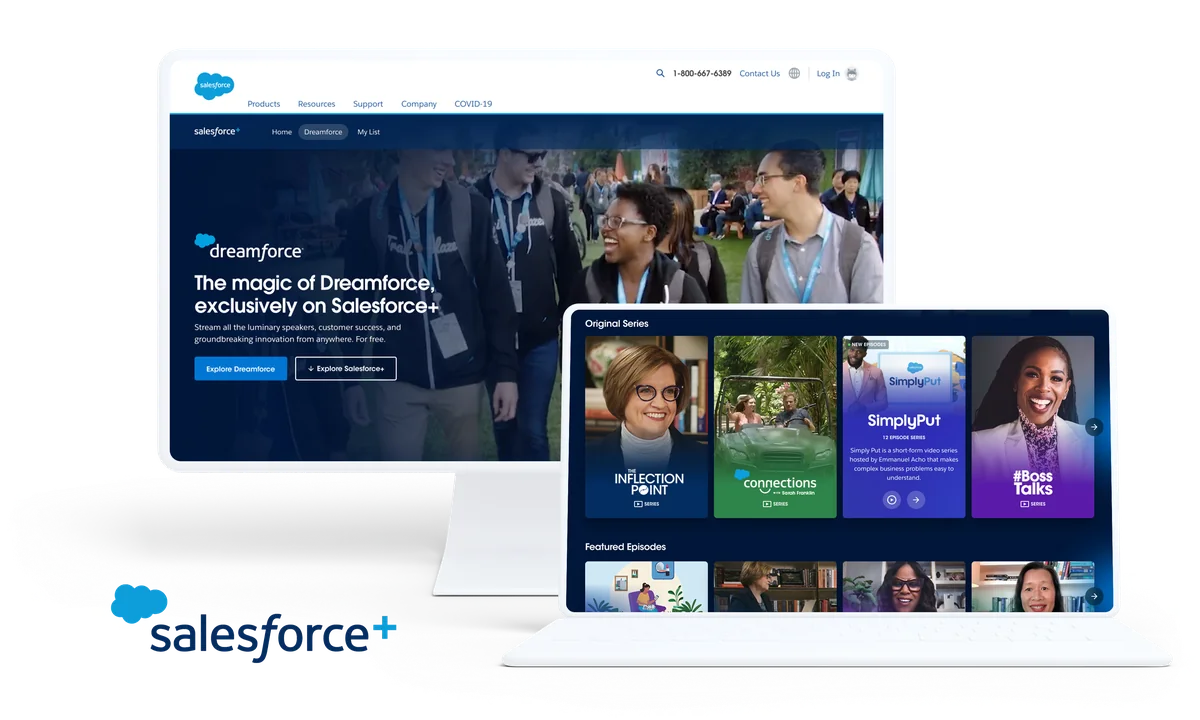
What is salesforce plus?
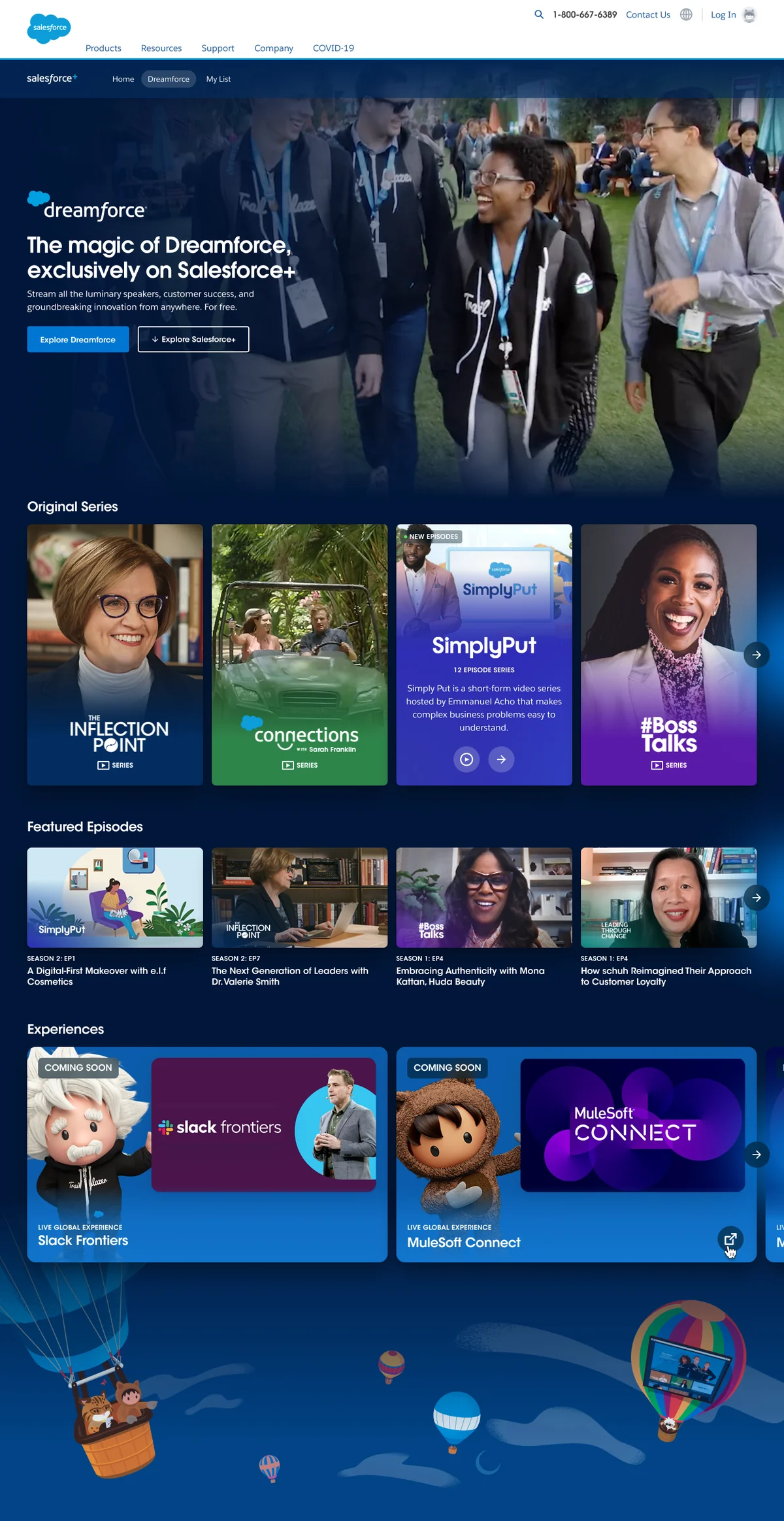
salesforce plus is the search-friendly name many users use for Salesforce+, Salesforce’s official streaming platform at salesforce.com/plus. Salesforce describes it as a free place to watch live and on-demand events, including Dreamforce, TDX, Connections, Tableau Conference, World Tour content, webinars, original series, and other programming for Trailblazers.
The main point for a Salesforce professional is simple: Salesforce+ gives you access to sessions you may otherwise miss. For example, an admin can watch a release keynote, a developer can review a TDX technical session, and an architect can study customer architecture stories before deciding what deserves a sandbox proof of concept.
Salesforce+ content changes by event and season. The safe working rule is to confirm the current schedule on Salesforce’s event pages. Salesforce lists Dreamforce 2026 as September 15–17, 2026, in San Francisco and on Salesforce+, but session catalogs and broadcast details can change closer to the event.
How to access Salesforce Plus with a Trailblazer account
You access salesforce plus through a browser by visiting the Salesforce+ site, choosing an event or video, and signing in when the page asks for a Trailblazer account. Salesforce recommends signing up or logging in to register for live and on-demand events so the platform can provide reminders, recommendations, and a personalized journey.
- Open Salesforce+.
- Choose a live event, past event, webinar, series, or episode.
- Select the registration or sign-in option if the content requires it.
- Use your Trailblazer account. If your organization controls identity through corporate SSO, follow your company’s login policy.
- Save the session link, calendar entry, or on-demand page for later review.
A Trailblazer account is a Salesforce identity used across several Salesforce digital experiences. Salesforce Help documents the Trailblazer account model, and Trailblazer single-use codes support passwordless verification in some login flows. For content access issues, start with the Trailblazer help articles rather than looking in Salesforce Setup.
What content can you watch on Salesforce Plus?
Salesforce+ groups content by event, role, topic, industry, and series. The exact catalog changes, but the platform commonly includes the following types of content.
| Content type | Useful for | How to use it at work |
|---|---|---|
| Live event broadcasts | Admins, architects, executives, partners | Watch keynotes and product sessions, then create an evaluation backlog for features that need sandbox testing. |
| On-demand conference sessions | Admins, developers, consultants | Review sessions after Dreamforce, TDX, Connections, World Tour, or Tableau Conference when your team cannot attend live. |
| Webinars | Business owners, solution teams, operations leaders | Use them for short topic reviews before deciding whether a deeper Trailhead or implementation workshop is needed. |
| Original series and interviews | Managers, architects, change teams | Use customer stories and leadership discussions as context, not as implementation documentation. |
| Role or industry content | Sales, service, marketing, commerce, analytics, IT teams | Map sessions to your business unit and assign follow-up owners for any feature or process idea. |
Salesforce Plus vs Trailhead vs Salesforce Help
Salesforce professionals often mix these resources. They work best when you use each one for its proper job. For official learning paths, use Trailhead alongside SalesforceTutorial walkthroughs.
| Resource | Main purpose | What it should not replace |
|---|---|---|
| Salesforce+ | Live and on-demand videos, events, webinars, and original Salesforce content. | Official setup instructions, API references, release notes, or compliance training records. |
| Trailhead | Structured Salesforce learning with modules, projects, badges, and hands-on practice. | Production design review, org-specific governance, or signed-off architecture decisions. |
| Salesforce Help | Official admin-facing documentation for setup, feature behavior, support, and configuration. | Business case development or broad product awareness. |
| Developer Docs | API, Apex, LWC, SOQL, metadata, integration, and platform reference material. | Introductory event summaries or role-based session discovery. |
| Release Notes | Version-specific feature availability, release timing, behavior changes, and limitations. | General learning paths or event replays. |
For example, a Salesforce+ session may show an Agentforce feature. Before you plan a rollout, check whether the capability is Generally Available, Beta, or Pilot in the current release notes. Then confirm licensing, data access, setup paths, and security controls in Salesforce Help or Developer Docs. This prevents teams from building a roadmap from a demo alone.
How admins should use Salesforce Plus for release planning
Admins can use salesforce plus as an input to release planning, not as the plan itself. A practical workflow looks like this:
- Watch the main keynote or product session for the cloud you own.
- Record feature names exactly as shown by Salesforce.
- Check the Salesforce release schedule and Release Notes for the same feature.
- Mark each item as available now, future roadmap, Beta, Pilot, or not relevant to your edition.
- Test eligible features in a sandbox with the same profiles, permission sets, record access, and data model patterns used in production.
- Document the decision in your change management tool before enabling anything for users.
This approach works well for Sales Cloud, Service Cloud, Experience Cloud, Data Cloud, Slack, Tableau, MuleSoft, and Agentforce sessions. It also protects your team from acting on content that explains a future direction but does not yet describe a supported production feature.
How developers and architects should evaluate Salesforce Plus sessions
Developers should listen for implementation details, then verify them. A session may mention APIs, prompt templates, Data Cloud data spaces, Flow orchestration, Lightning Web Components, or integration patterns, but the video is not the reference source. Developer Docs remain the source for SOQL syntax, limits, API version behavior, authentication patterns, and supported objects.
Architects should add two extra checks:
- Security check: Does the idea change who can see, edit, export, or automate data? Validate CRUD, field-level security, sharing, permission sets, connected app access, and audit needs.
- Operational check: Does the idea require license changes, integration capacity, sandbox refresh planning, user training, or a data retention review?
For example, if a Salesforce+ session shows an Agentforce or Data Cloud pattern, your next step should be a controlled design note. Include the relevant edition, data source, identity model, record access, logging, rollback approach, and expected business owner. Then link the note to official docs and your internal architecture board.
Example: track Salesforce Plus learning in Salesforce without integration
Salesforce+ does not need an org connection, and there is no standard Salesforce+ object that records what your employees watched inside your production org. If your enablement team wants to track optional learning, create a normal internal process instead of assuming the viewing platform syncs with Salesforce.
One simple option is to create a Campaign named for the event and add Contacts or Leads manually when employees register for an internal watch group. This is not a Salesforce+ integration. It is an internal tracking pattern that uses standard Salesforce data.
SELECT Id, Name, Status, StartDate, EndDate
FROM Campaign
WHERE Name LIKE '%Salesforce+%'
AND IsActive = true
ORDER BY StartDate DESC NULLS LAST
LIMIT 50
The SOQL query above is intentionally small and selective. In production, keep queries bounded with filters, avoid unneeded fields, and use reports or dashboards when non-technical users need the data. If you add automation around attendance, bulkify it and test it with enough records to reveal governor-limit problems.
Best practices for Salesforce Plus in enterprise orgs
In enterprise orgs, the value of salesforce plus comes from turning broad event content into controlled follow-up work. Use these practices:
- Create a watch list by role. Separate admin, developer, architect, sales operations, service operations, marketing operations, and executive sessions.
- Assign an owner for each follow-up. A session without an owner usually becomes background noise.
- Separate inspiration from configuration. Treat videos as discovery. Treat Salesforce Help, Developer Docs, Trailhead, and Release Notes as validation sources.
- Document feature status. Label items as GA, Beta, Pilot, roadmap, or unclear. Never put unclear items into a production backlog without confirmation.
- Protect data and access decisions. If a session shows AI, analytics, integration, or automation, involve security and data owners before building.
- Use Trailhead for practice. After watching Salesforce+ content, assign a relevant Trailhead module or project so users can practice instead of only watching.
Common errors with Salesforce Plus
| Error | Why it causes problems | Correct approach |
|---|---|---|
| Searching Salesforce Setup for Salesforce+ | Salesforce+ is a separate Salesforce web experience, not a Setup feature in your org. | Use the Salesforce+ site and Trailblazer login flow. |
| Assuming a demo feature is ready for production | Event content can include previews, roadmap discussion, or limited-availability features. | Check Release Notes and official docs before planning a rollout. |
| Using videos as technical documentation | Videos help explain context, but they usually do not cover every limit, permission, or API behavior. | Use Developer Docs, Salesforce Help, and Trailhead for configuration and implementation steps. |
| Mixing Salesforce+ with Trailhead badge tracking | Watching a video is different from completing a Trailhead module, project, or hands-on challenge. | Use Trailhead for badges and Trailblazer Profile learning evidence. |
| Ignoring privacy and identity review | Salesforce+ and Trailblazer accounts are external digital experiences, separate from your production org login design. | Review Salesforce privacy information and your company’s identity policy before requiring employee registration. |
When Salesforce Plus is the right tool
salesforce plus is the right tool when you need event sessions, keynote replays, role-based videos, customer stories, or webinars. It is also useful when your team wants to follow Dreamforce, TDX, Connections, Tableau Conference, or World Tour announcements without travel.
It is not the right tool for org configuration, certification exam rules, production troubleshooting, or API reference. For those, use Salesforce admin guidance, Developer Docs, Salesforce Help, Trailhead, and the Salesforce status check process when availability questions arise.
Frequently Asked Questions
What is salesforce plus?
salesforce plus, officially branded as Salesforce+, is Salesforce’s free streaming site for live and on-demand business events, product sessions, original series, webinars, and role-based learning videos.
Is salesforce plus free?
Yes. Salesforce describes Salesforce+ as free and unlimited for live and on-demand event content. Some event pages still require registration through a Trailblazer account so Salesforce can personalize reminders and the viewing experience.
Do I need a Trailblazer account for Salesforce Plus?
You can browse some content, but Salesforce recommends signing in or registering with a Trailblazer account for live and on-demand events such as Dreamforce. The Trailblazer account is also used across Salesforce Help, Trailhead, Trailblazer Community, and related Salesforce digital experiences.
Is Salesforce Plus the same as Trailhead?
No. Salesforce Plus is a streaming and event content platform. Trailhead is Salesforce’s learning platform where users complete modules, projects, badges, and hands-on challenges. Use Salesforce Plus for sessions and product context, then use Trailhead for structured practice.
Can Salesforce admins use Salesforce Plus for release planning?
Yes, but treat it as a discovery source. Admins can watch event sessions to identify features to evaluate, then confirm availability, licensing, limits, and setup steps in Salesforce Release Notes, Salesforce Help, and Developer Docs before changing production.