Salesforce Service Cloud is a customer service platform that helps organizations manage support cases, automate service processes, and deliver exceptional customer experiences across multiple channels. Built on the Salesforce Platform, Service Cloud provides agents and managers with tools to resolve customer issues efficiently while maintaining service level agreements (SLAs) and tracking performance metrics.
This guide covers Service Cloud’s core functionality, implementation best practices, and how it differs from Sales Cloud to help you make informed decisions for your organization.
What is Salesforce Service Cloud?
Service Cloud is Salesforce’s customer service management solution designed for support teams, service agents, and customer success organizations. Unlike Sales Cloud which focuses on lead generation and opportunity management, Service Cloud centers on post-sale customer relationships and issue resolution.
Key Service Cloud capabilities include:
- Case management with automated routing and escalation
- Multi-channel support (email, chat, phone, social media)
- Knowledge base creation and management
- Service level agreement (SLA) tracking
- Agent productivity tools and performance dashboards
- Self-service portals for customers
Service Cloud vs Sales Cloud: Key Differences
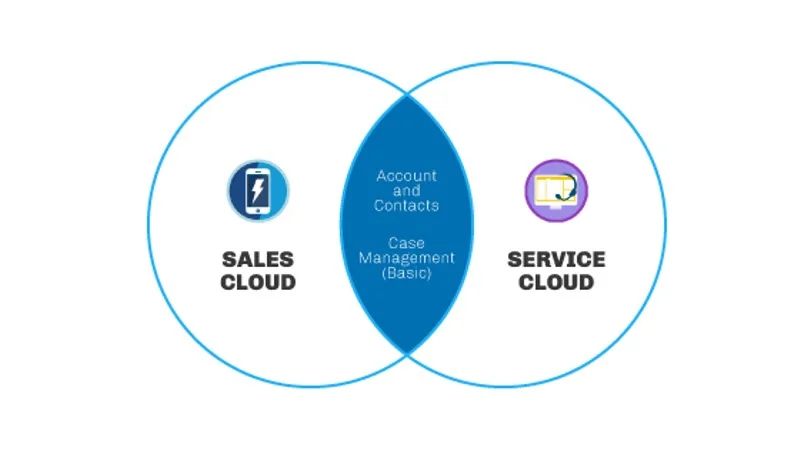
While both clouds share the same underlying Salesforce Platform and core objects like Accounts and Contacts, they serve different business functions and user types.
| Feature | Service Cloud | Sales Cloud |
|---|---|---|
| Primary Users | Service agents, support managers | Sales reps, sales managers |
| Core Object | Cases | Leads and Opportunities |
| Main Goal | Resolve customer issues | Generate revenue |
| Key Metrics | Case resolution time, customer satisfaction | Pipeline value, conversion rates |
| Automation Focus | Case routing, escalation rules | Lead assignment, opportunity progression |
Sales Cloud vs Service Cloud Salesforce Licensing
Service Cloud and Sales Cloud require separate licenses, though many organizations purchase both. Service Cloud licenses include access to case management, knowledge base, and omni-channel routing. Sales Cloud licenses focus on lead and opportunity management with basic case functionality.
Difference Between Sales Cloud and Service Cloud Data Models
The fundamental difference lies in their primary objects and relationships:
- Service Cloud: Cases are the central object, linked to Accounts and Contacts. Cases track customer issues from creation to resolution.
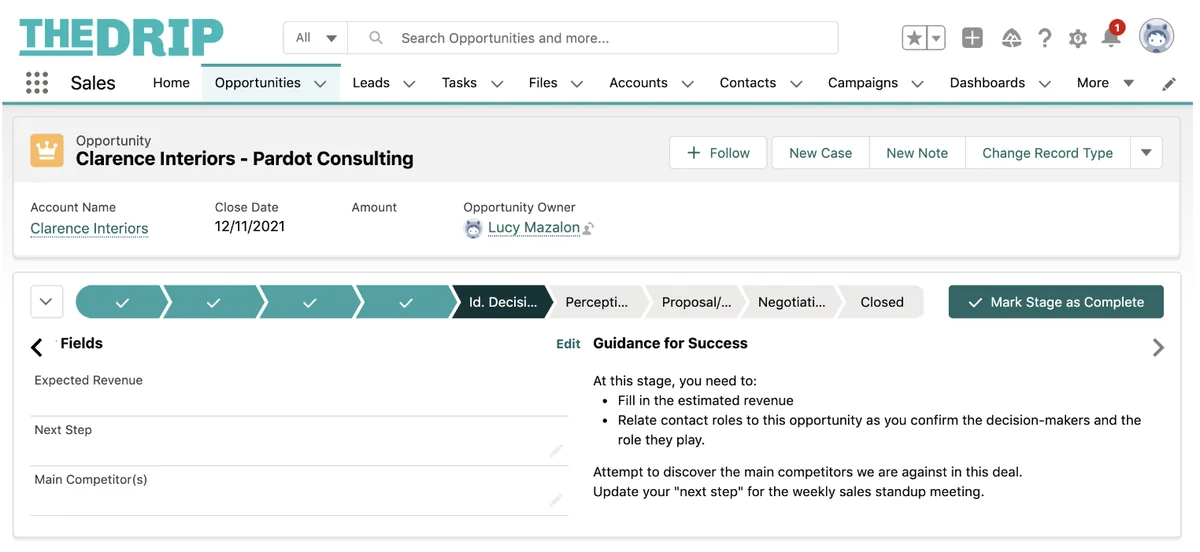
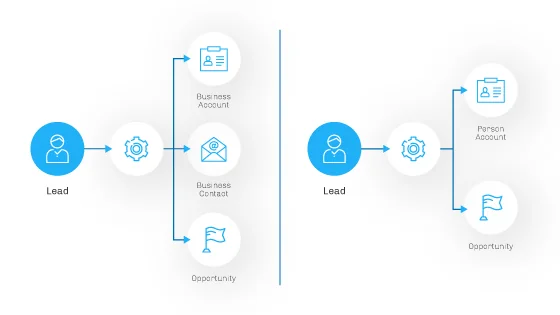
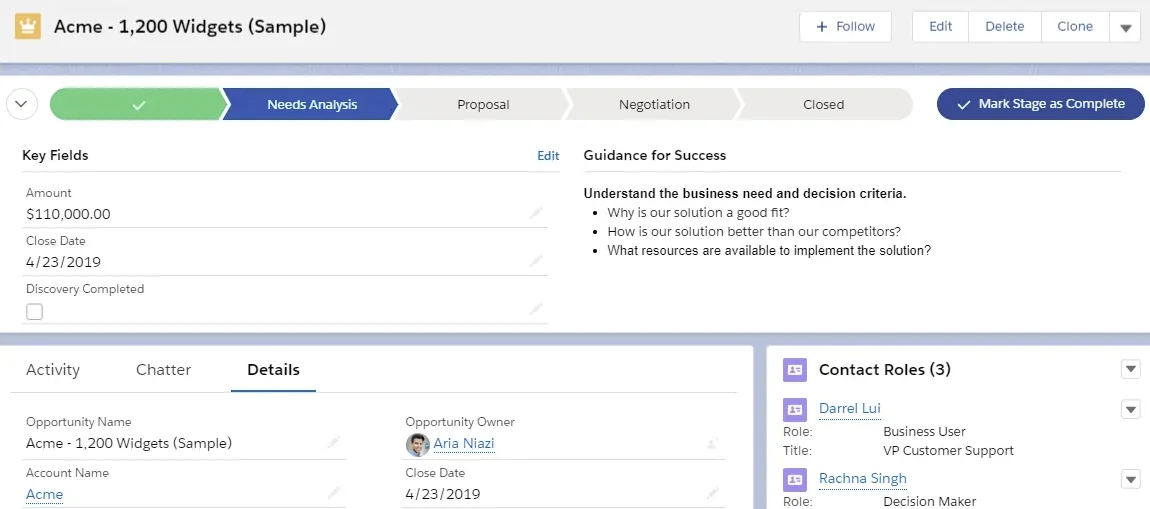
- Sales Cloud: Leads convert to Opportunities, which link to Accounts. The focus is on moving prospects through the sales pipeline.
Core Service Cloud Features
Case Management
Cases represent customer service requests in Service Cloud. Each case captures the customer’s issue, priority level, and resolution status.
Essential case management features include:
- Case Assignment Rules: Automatically route cases to appropriate agents based on criteria like product, geography, or skill set
- Escalation Rules: Automatically escalate cases that breach SLA thresholds
- Auto-Response Rules: Send acknowledgment emails to customers when cases are created
- Case Teams: Collaborate on complex cases requiring multiple specialists
Email-to-Case Integration
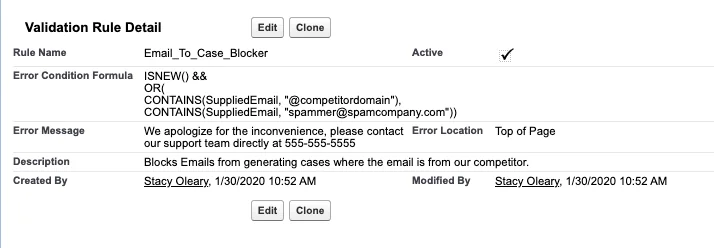
Email-to-Case automatically converts emails sent to designated addresses (like support@company.com) into Service Cloud cases. This eliminates manual case creation and ensures no customer requests are missed.
Configuration requires:
- Setting up Email-to-Case routing addresses
- Configuring case assignment rules
- Defining auto-response templates
- Testing email parsing and case creation
Entitlements and Milestones
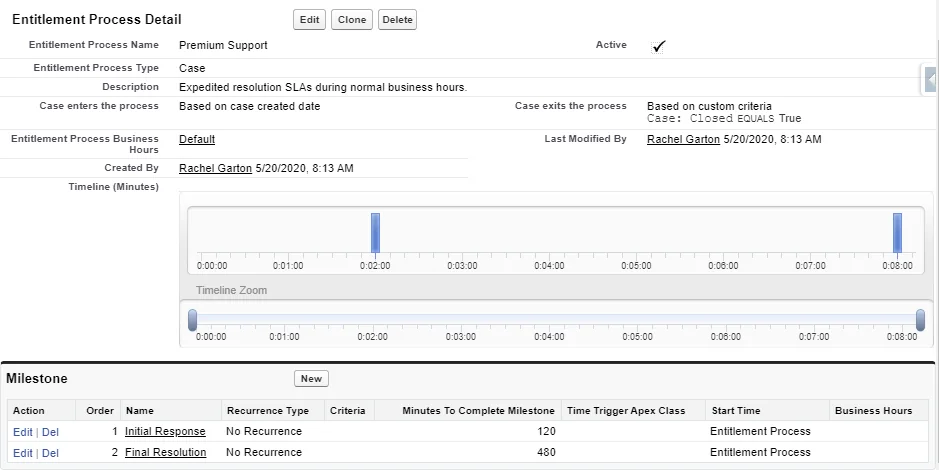
Entitlements define what level of support customers receive based on their service contracts. Milestones track key points in the service process to ensure SLA compliance.
Implementation steps:
- Create Entitlement Processes defining service levels
- Set up Milestones for critical timeframes (first response, resolution)
- Configure milestone actions for violations
- Associate entitlements with customer accounts
Multi-Channel Customer Support
Omni-Channel Routing
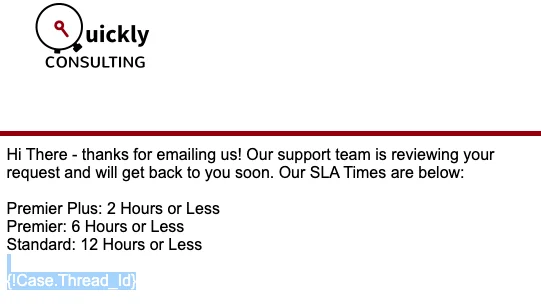
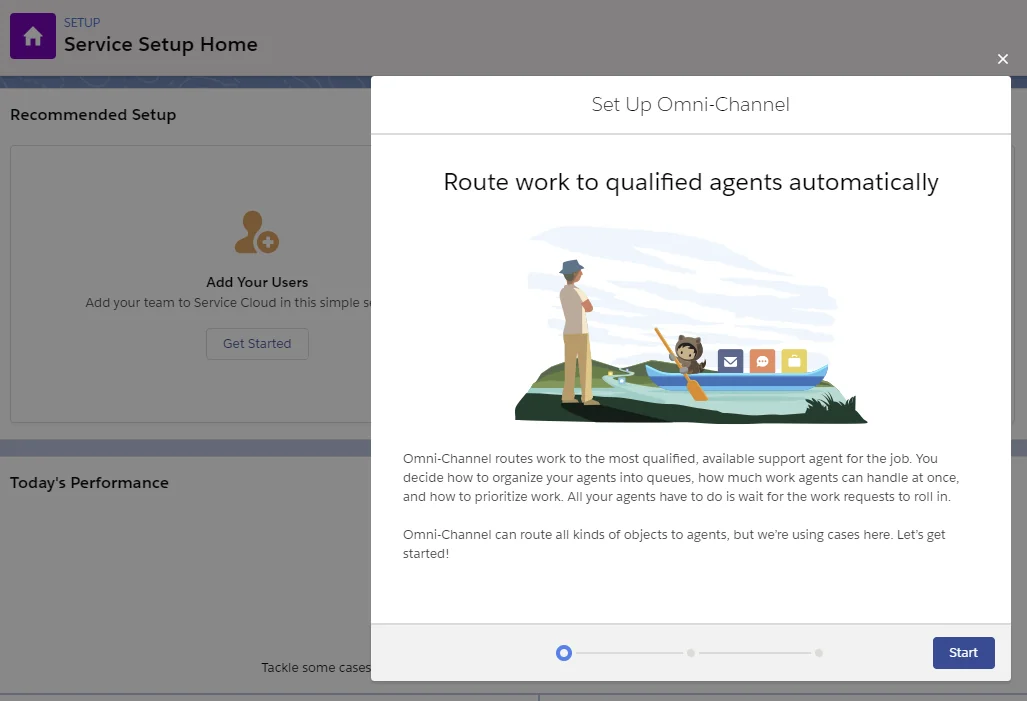
Omni-Channel distributes work items (cases, chats, calls) to available agents based on capacity and skills. This ensures balanced workloads and appropriate case routing.
Setup requirements:
- Define Service Channels for each support medium
- Create Routing Configurations with capacity models
- Set up Skills and assign to agents
- Configure Presence Statuses for agent availability
Live Chat Implementation
Service Cloud Chat enables real-time customer conversations through web-based chat windows embedded on websites or in mobile apps.
Chat setup involves:
- Creating Chat Buttons with routing rules
- Configuring Chat Deployments for websites
- Setting up Automated Invitations based on visitor behavior
- Training agents on the Service Console chat interface
Service Cloud Voice
Service Cloud Voice integrates telephony directly into the Salesforce interface, allowing agents to handle calls without switching between systems.
Voice capabilities include:
- Click-to-dial from any Salesforce record
- Automatic call logging and recording
- Screen pop with customer information
- Call routing based on business hours and agent skills
Self-Service and Knowledge Management
Lightning Knowledge
Lightning Knowledge provides a centralized repository for support articles, FAQs, and troubleshooting guides that both agents and customers can access.
Knowledge base features:
- Article creation with rich text and media support
- Version control and approval workflows
- Multi-language support for global organizations
- Search functionality with relevance ranking
- Analytics on article usage and effectiveness
Einstein Bots for Automated Support
Einstein Bots handle routine customer inquiries through conversational AI, reducing agent workload and providing 24/7 support availability.
Bot capabilities include:
- FAQ responses based on knowledge articles
- Case creation for complex issues
- Handoff to human agents when needed
- Integration with external systems for data retrieval
Sales Cloud Data Model Integration
When organizations use both clouds, the sales cloud data model integrates seamlessly with Service Cloud through shared objects:
- Accounts: Customer organizations served by both sales and service teams
- Contacts: Individual customer relationships spanning sales and service interactions
- Opportunities: Sales deals that may generate service cases post-purchase
- Products: Items sold that require ongoing support
This integration enables:
- Service agents to view customer purchase history
- Sales reps to see support case history during renewals
- Unified customer 360-degree view across departments
Implementation Best Practices
Planning Your Service Cloud Deployment
- Define Service Processes: Map current support workflows before configuration
- Identify Integration Points: Plan connections with existing systems (phone, email, chat)
- Design Case Categories: Create logical groupings for reporting and routing
- Plan User Training: Ensure agents understand new tools and processes
Performance Optimization
- Use Case Assignment Rules to distribute workload evenly
- Implement Escalation Rules to prevent SLA breaches
- Create Dashboards for real-time performance monitoring
- Regular review of Knowledge Article usage and updates
Security and Compliance Considerations
- Configure Field-Level Security for sensitive customer data
- Set up Sharing Rules for case visibility
- Implement Data Classification for regulatory compliance
- Regular audit of user permissions and access
Frequently Asked Questions
What is the difference between Sales Cloud and Service Cloud?
Sales Cloud focuses on lead generation, opportunity management, and closing deals for sales teams. Service Cloud centers on customer support, case management, and post-sale service delivery. While both share core Salesforce objects like Accounts and Contacts, they serve different business functions and require separate licenses.
Can you use Service Cloud without Sales Cloud?
Yes, Service Cloud operates independently and includes access to core Salesforce Platform features like Accounts, Contacts, and basic reporting. However, many organizations benefit from using both clouds together for a complete customer lifecycle view.
How does Service Cloud handle case routing and assignment?
Service Cloud uses Case Assignment Rules to automatically route cases based on criteria like product type, customer tier, or geographic location. Omni-Channel routing further distributes cases to available agents based on capacity and skills, ensuring balanced workloads and appropriate expertise matching.
What channels does Service Cloud support for customer communication?
Service Cloud supports email, live chat, phone calls, social media, SMS, and web-based self-service portals. Omni-Channel routing unifies all these channels in a single agent interface, providing consistent customer experiences regardless of communication method.
How does the sales cloud data model integrate with Service Cloud?
Both clouds share core objects like Accounts, Contacts, and Products. This enables service agents to view customer purchase history and sales reps to see support case history. The integration provides a unified customer view across sales and service departments, improving collaboration and customer experience.