Sales engagement transforms how sales teams operate in Salesforce by automating repetitive tasks, structuring outreach sequences, and providing actionable insights. This comprehensive guide covers everything from basic setup to advanced cadence strategies, helping sales professionals maximize their productivity and close more deals.
What is Sales Engagement in Salesforce?
Sales engagement is a suite of tools within Salesforce that streamlines the sales process through automated workflows, structured communication sequences, and intelligent task management. Unlike traditional CRM approaches, sales engagement focuses on creating systematic, repeatable processes that guide sales reps through optimal selling behaviors.
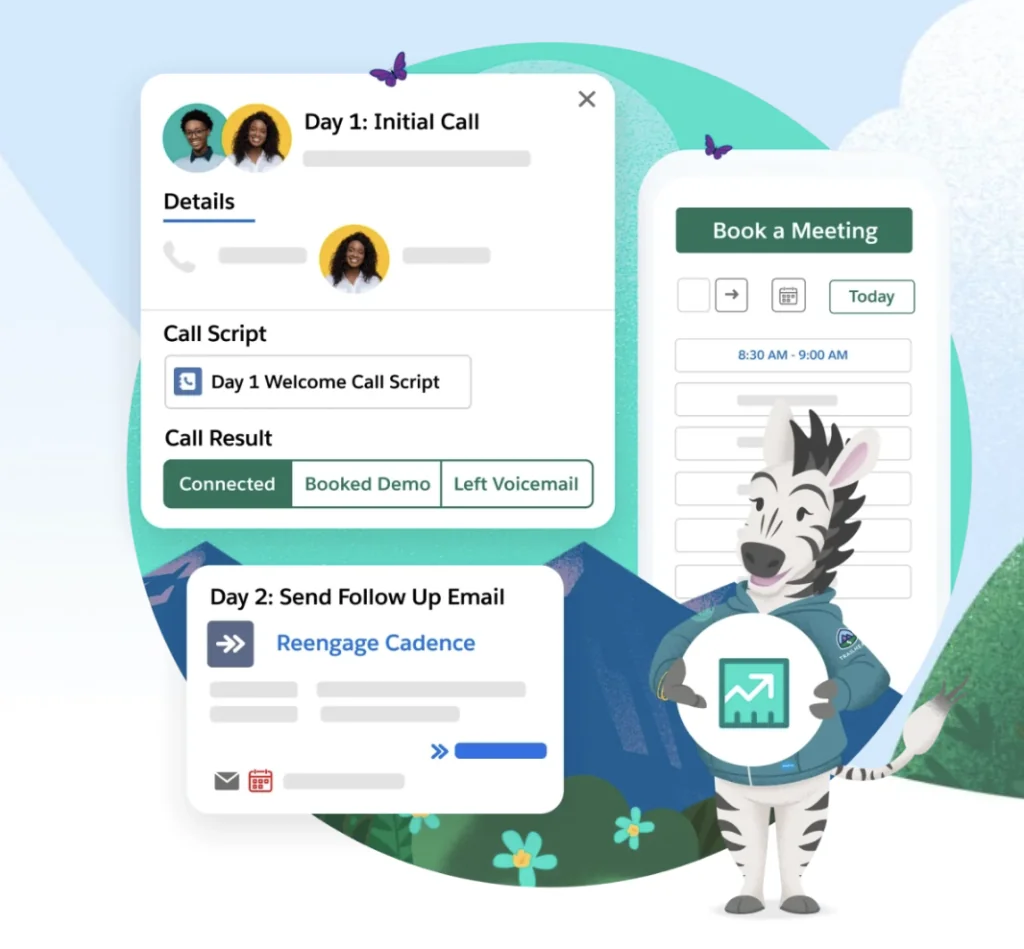
The platform includes several core components:
- Cadences: Multi-step sequences combining emails, calls, and tasks
- Work Queue: Centralized task management for sales activities
- Automated Actions: Rule-based assignment and progression logic
- Einstein Activity Capture: Automatic email and calendar synchronization
- Sales Console: Unified workspace for prospect management
Setting Up Sales Engagement
Sales engagement setup requires proper licensing and configuration. The feature is included with Sales Cloud Unlimited or can be purchased separately for Professional and Enterprise editions.
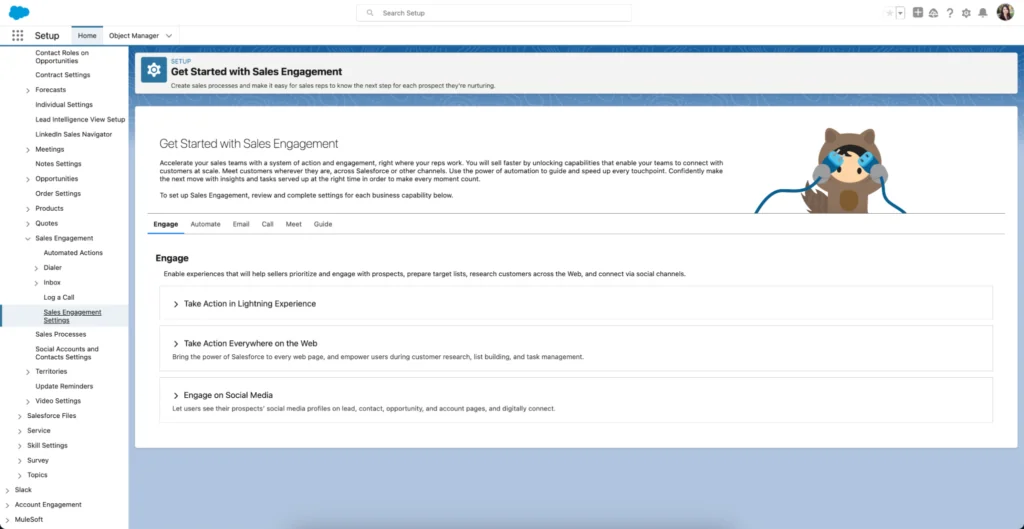
Initial Configuration Steps
- Navigate to Setup → Sales Engagement Settings
- Enable the required features for your organization
- Configure email integration and authentication
- Set up user permissions and profiles
- Define default cadence templates
Permission sets control access to different sales engagement features. Create specific permission sets for sales reps, managers, and administrators to maintain proper governance while enabling productivity.
Salesforce Cadences: Building Effective Sequences
Cadences represent the core of engagement sales strategy. These automated sequences combine multiple touchpoints across different channels to maintain consistent prospect communication.
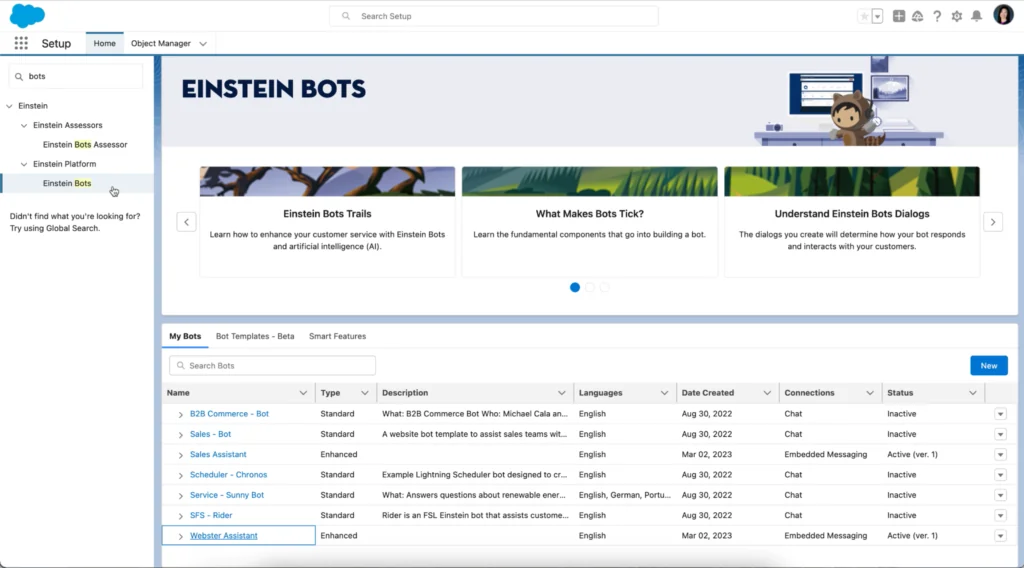
Cadence Components
Each cadence step can include:
- Email Steps: Automated or manual email templates
- Call Steps: Scheduled phone call reminders
- Task Steps: Custom activities like research or follow-up
- Wait Steps: Time delays between activities
- LinkedIn Steps: Social selling integration (requires Sales Navigator)
Best Practices for Cadence Salesforce Implementation
Effective cadences follow proven patterns:
| Cadence Type | Duration | Touchpoints | Success Rate |
|---|---|---|---|
| Cold Outreach | 14 days | 7-9 steps | 15-20% |
| Warm Follow-up | 21 days | 5-7 steps | 25-35% |
| Event Follow-up | 7 days | 3-5 steps | 40-50% |
Work Queue and Task Management
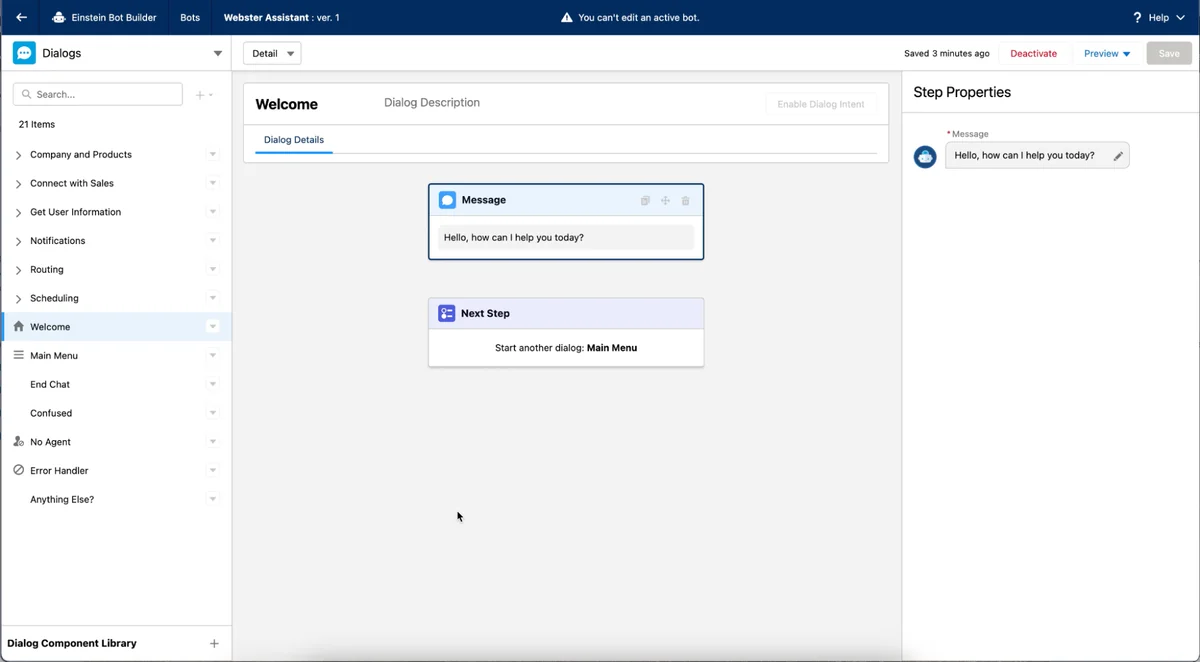
The Work Queue centralizes all sales activities, providing a single view of pending tasks, cadence steps, and follow-up activities. This eliminates the need for sales reps to navigate multiple screens or remember complex sequences.
Work Queue Features
- Prioritized task lists based on deal value and urgency
- One-click execution of cadence steps
- Bulk actions for similar activities
- Integration with calendar and email systems
Sales Cloud Everywhere: Browser Extension
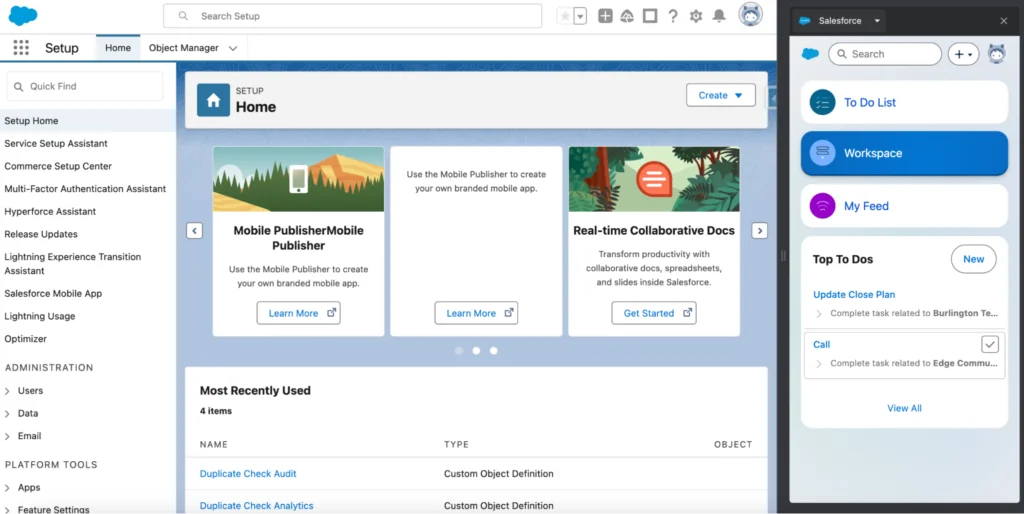
The Salesforce Chrome extension extends sales engagement capabilities beyond the core platform, allowing reps to work with Salesforce data while browsing other websites.
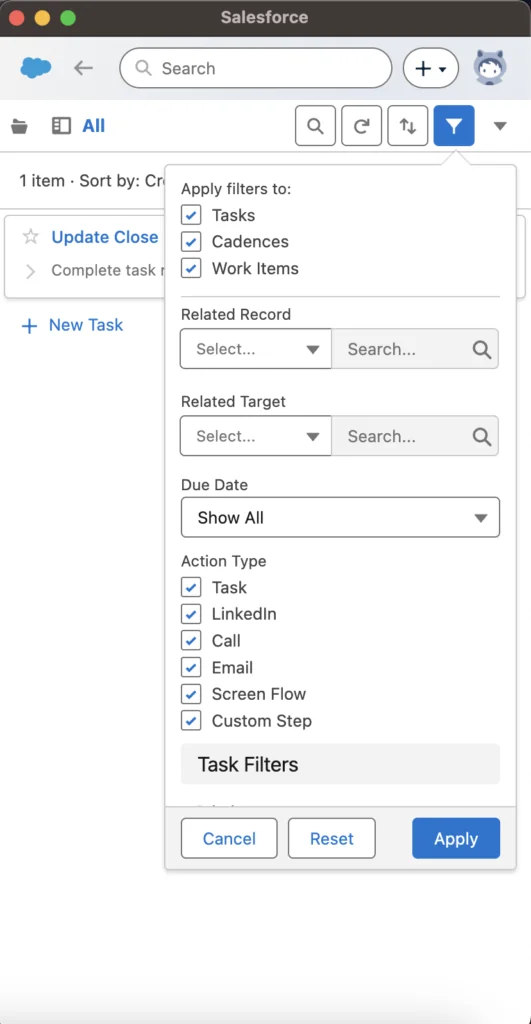
Extension Components
To-Do List: Access pending cadence steps and tasks without switching tabs. The interface mirrors the Salesforce experience while providing quick action capabilities.
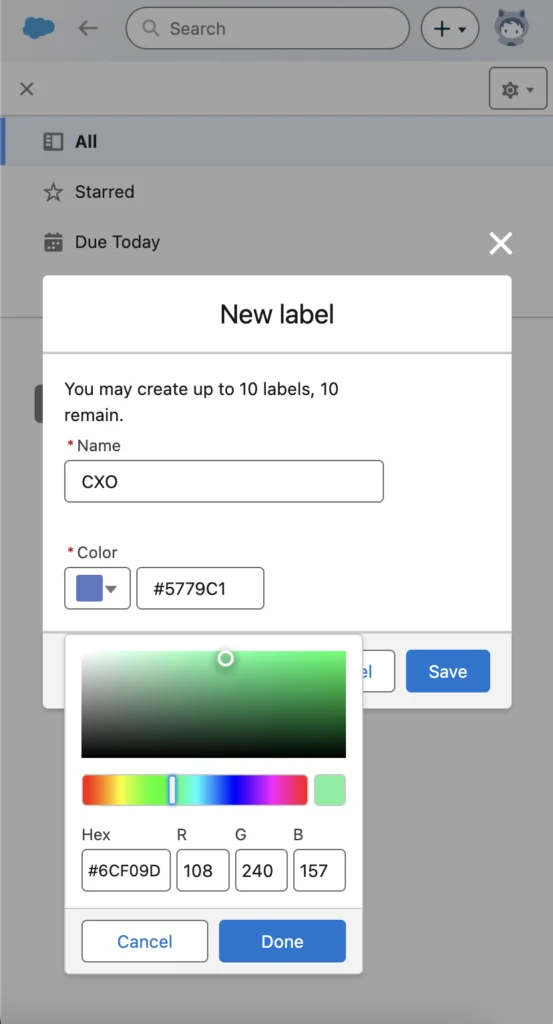
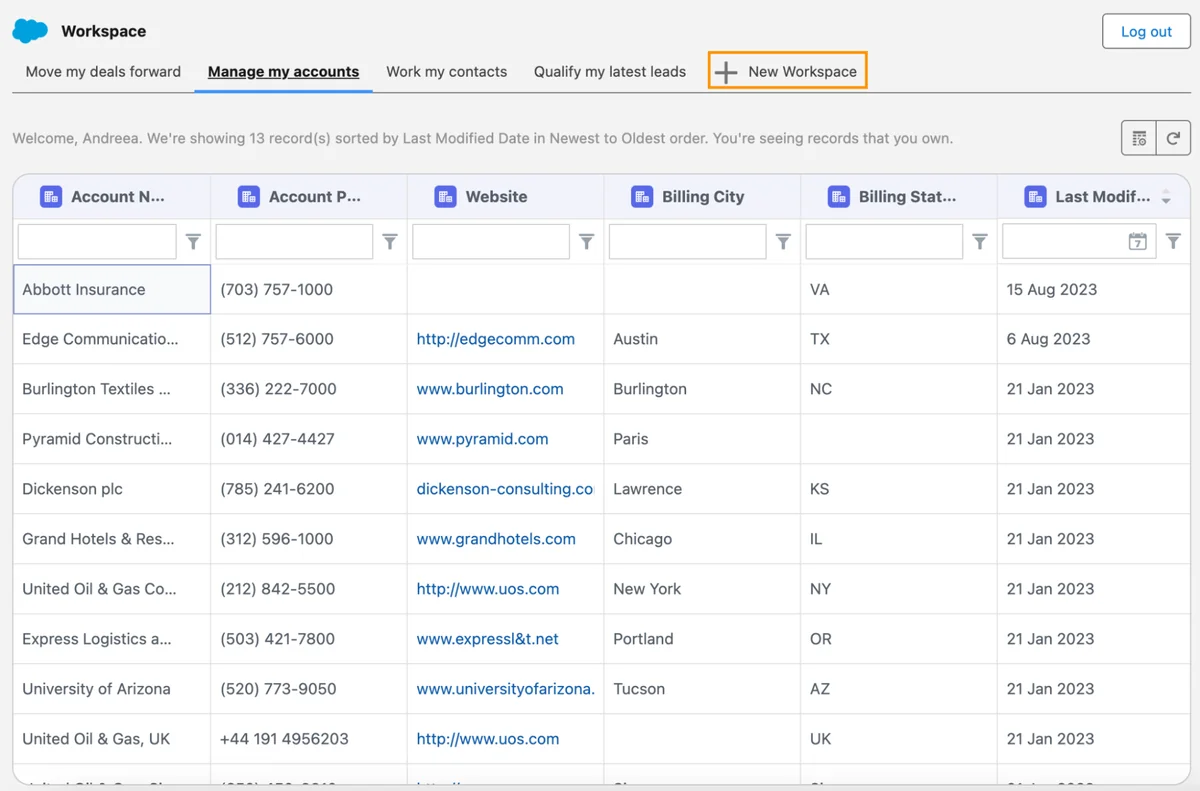
Workspaces: Manage multiple records simultaneously with inline editing capabilities. Available for Opportunities, Accounts, Leads, and Contacts, with custom workspace creation available from Winter ’24 release.
Activity Feed: Monitor prospect engagement including email opens, link clicks, and responses. Chrome notifications ensure immediate awareness of prospect activities.
Automated Actions and Intelligence
Automated actions reduce manual work by triggering cadence enrollment, task creation, and record updates based on predefined criteria. These rules can be simple field-based triggers or complex multi-criteria logic.
Common Automation Scenarios
- Auto-enroll leads from specific sources into nurture cadences
- Escalate high-value opportunities to senior sales reps
- Create follow-up tasks when deals stall in specific stages
- Update lead scores based on engagement activities
Einstein Activity Capture
Einstein Activity Capture automatically syncs emails and calendar events between Salesforce and external systems like Gmail or Outlook. This ensures complete activity tracking without manual data entry.
LinkedIn Sales Navigator Integration
The LinkedIn integration enables social selling directly within Salesforce cadences. Sales reps can send connection requests, InMail messages, and track social interactions as part of their engagement sequences.
Setup Requirements
- LinkedIn Sales Navigator license for each user
- Salesforce-LinkedIn connector configuration
- User authentication and permission setup
Analytics and Performance Tracking
Sales engagement provides comprehensive analytics to measure cadence effectiveness, rep productivity, and overall sales performance. The default dashboard includes key metrics like conversion rates, email engagement, and activity completion rates.
Key Performance Indicators
- Cadence Conversion Rate: Percentage of prospects completing desired actions
- Email Open Rate: Engagement level of email communications
- Activity Completion Rate: Rep adherence to prescribed sequences
- Time to Response: Speed of prospect engagement
Implementation Best Practices
Phased Rollout Strategy
Implement sales engagement in phases to ensure proper adoption:
- Phase 1: Enable core features for pilot group (10-15 users)
- Phase 2: Add cadence automation and advanced features
- Phase 3: Scale to full sales organization
- Phase 4: Integrate with marketing automation and other systems
User Training and Adoption
Success depends on proper user enablement:
- Conduct role-specific training sessions
- Create cadence templates aligned with sales methodology
- Establish governance for cadence creation and modification
- Monitor usage metrics and provide ongoing coaching
Common Implementation Challenges
Data Quality Issues
Poor data quality undermines automation effectiveness. Ensure clean contact data, proper lead routing, and accurate opportunity stages before implementing automated cadences.
Over-Automation
Balance automation with personalization. While cadences improve efficiency, they should not replace genuine relationship building and customized communication.
Permission and Security
Properly configure sharing rules and field-level security to prevent unauthorized access to sensitive prospect information while enabling collaboration.
Integration with Other Salesforce Products
Sales engagement integrates with multiple Salesforce products:
- Marketing Cloud: Coordinate marketing and sales touchpoints
- Pardot: Hand off marketing qualified leads with context
- Service Cloud: Include support interactions in prospect timeline
- CPQ: Trigger quote follow-up cadences automatically
Frequently Asked Questions
What is the difference between Sales Engagement and High Velocity Sales?
Sales Engagement is the current name for what was previously called High Velocity Sales. Salesforce rebranded the product to better reflect its comprehensive sales automation capabilities beyond just high-velocity scenarios.
Can I use Sales Engagement without Sales Cloud Unlimited?
Yes, Sales Engagement can be purchased separately for Professional and Enterprise editions. Salesforce also includes limited versions of some features like email productivity and quick cadences in these editions by default.
How many cadence steps should I include in a sequence?
Optimal cadence length depends on your sales cycle and prospect type. Cold outreach cadences typically include 7-9 steps over 14 days, while warm follow-up sequences work well with 5-7 steps over 21 days. Test different lengths to find what works for your audience.
Does Sales Engagement work with Gmail and Outlook?
Yes, Einstein Activity Capture automatically syncs emails and calendar events from Gmail, Outlook, and other email systems. The Sales Cloud Everywhere Chrome extension also provides Salesforce functionality within your browser while using external email systems.
Can sales reps create their own cadences?
Cadence creation permissions are configurable. Most organizations start with admin-only creation to ensure quality and consistency, then gradually extend permissions to sales managers or experienced reps. Quick Cadences provide a simpler option for rep-created single-step sequences.
How does LinkedIn Sales Navigator integration work?
The LinkedIn integration allows sales reps to send connection requests and InMail messages directly from Salesforce cadences. Users need both Salesforce Sales Engagement and LinkedIn Sales Navigator licenses, plus proper connector configuration.