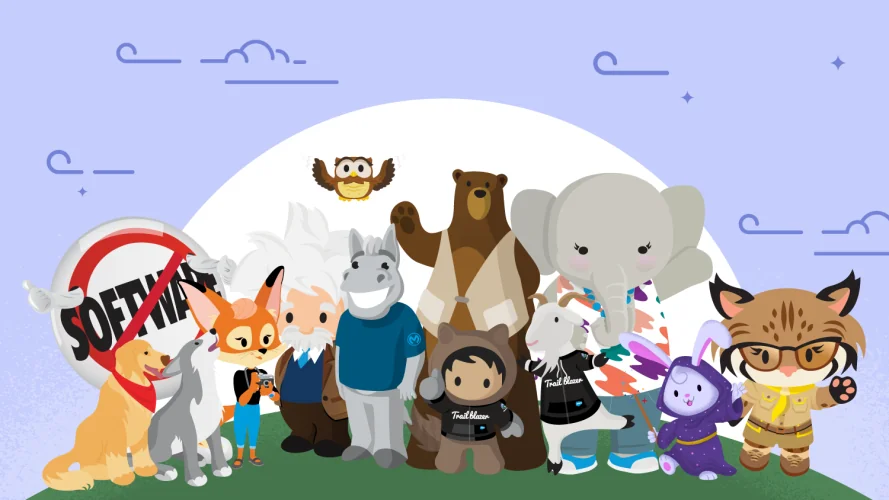
Salesforce characters are the named people, animals, and symbols Salesforce uses across Trailhead, events, learning paths, and community programs. The group includes Astro, Codey, Cloudy, Appy, Ruth, Einstein, and other Salesforce mascots that help users connect a role or product area with a familiar guide.
This page explains what the characters represent, where admins and developers usually see them, and how to reference them safely in enablement material or Salesforce UI work. For official naming and usage, use Salesforce’s own character resources and branding guidance rather than copying artwork from search results.
What are Salesforce Characters?
Salesforce characters are brand characters attached to Salesforce learning, roles, products, values, and community programs. Salesforce’s official character page identifies the current lineup and maps many characters to role or product areas, including Astro for community and inclusion, Codey for developers, Cloudy for admins, Ruth for architects, Appy for partners, Flo for Flow, Max for MuleSoft, and Einstein for AI innovation.
For a Salesforce professional, the practical value is simple: the character often tells you what part of the ecosystem the content is about. A Flow badge may use automation imagery, an architect path may show Ruth, and developer material may show Codey. That visual shorthand helps users move through Trailhead and events faster.
Use the official Salesforce overview for the current list: Who Are the Salesforce Characters?.
Why Salesforce characters matter in real orgs
In enterprise orgs, training teams often need to explain platform roles to users who do not care about internal Salesforce terminology. Salesforce characters make that explanation easier when they are used as labels for learning paths: Cloudy for admin skills, Codey for developer skills, Ruth for architecture, and Astro for getting started.
The same idea works in rollout plans. A Center of Excellence can map content to audiences without making the page sound like a certification catalog. A quarterly enablement page can group links into admin, automation, developer, integration, and architect tracks, then use character names in the copy while still keeping the actual instructions technical.
Main Salesforce characters and roles
The table below summarizes the characters most Salesforce teams encounter in Trailhead, product learning, community events, and enablement decks. Treat it as a working map, not as a license to reuse artwork.
| Character | Common association | Where users usually see it | How to use the reference in training |
|---|---|---|---|
| Astro | Community, inclusion, getting started | Trailhead, onboarding, Trailblazer Community | Use Astro language for first steps, orientation, and learning navigation. |
| Codey | Salesforce Developers | Developer learning, platform content, coding sessions | Use Codey as a signpost for Apex, LWC, APIs, DevOps, and tooling tracks. |
| Cloudy | Salesforce Admins | Admin training, configuration, Flow basics | Use Cloudy for setup, declarative configuration, permissions, and adoption tasks. |
| Flo | Salesforce Flow and automation | Flow badges, automation resources, admin-developer workshops | Use Flo for record-triggered flows, screen flows, approvals, and low-code design. |
| Ruth | Salesforce Architects | Architect learning, design discussions, superbadges | Use Ruth when the topic involves scale, security model design, integration, or governance. |
| Appy | Partners and AppExchange ecosystem | Partner learning, AppExchange content | Use Appy for ISV, SI, partner, and AppExchange onboarding contexts. |
| Einstein | AI innovation and Einstein product learning | AI, analytics, prediction, and assistant content | Use Einstein language when explaining AI features, data readiness, and responsible adoption. |
| Max | MuleSoft and integration | MuleSoft training, data integration learning | Use Max for API-led integration, automation across systems, and middleware discussions. |

Salesforce mascots in Trailhead and learning paths
Salesforce mascots appear most often where learning needs a quick visual cue. Trailhead uses badges, trails, and modules to break topics into smaller steps. Character associations help users understand whether a module belongs to admin work, developer work, automation, architecture, integration, or AI.
An admin learning plan can start with Cloudy-oriented configuration topics, then move into Flo-oriented automation topics, then point advanced builders toward Codey and Ruth material. That sequence mirrors how many orgs mature: first setup, then automation, then extensibility, then architecture governance.

How admins, developers, and architects can interpret Salesforce characters
Salesforce characters are useful because they point to responsibilities. They do not replace product documentation, but they help a mixed team understand which learning path fits each job.
Admin interpretation: Cloudy, Flo, and adoption work
Admins can treat Cloudy as the sign for setup ownership: object configuration, page layouts, permissions, reports, user support, and change requests. Flo belongs with automation design. That split matters because not every admin task should become a Flow. In production, admins should still document entry criteria, recursion risk, fault paths, and rollback plans before activating automation.
For deeper admin topics, connect this page with Salesforce admin responsibilities and Salesforce Flow design patterns.
Developer interpretation: Codey and platform build work
Codey usually points to builder content for developers and technical admins. That includes Lightning Web Components, Apex, APIs, Salesforce CLI, scratch orgs, source tracking, and deployment. The character is a learning cue only; the work still needs normal engineering discipline: version control, peer review, tests, static analysis, and secure data access.
When developers create internal help cards or onboarding pages, they should avoid embedding character artwork unless they have permission. Use Salesforce base components and SLDS icons for product UI. See Salesforce CLI setup and commands for related developer workflow guidance.

Architect interpretation: Ruth and design governance
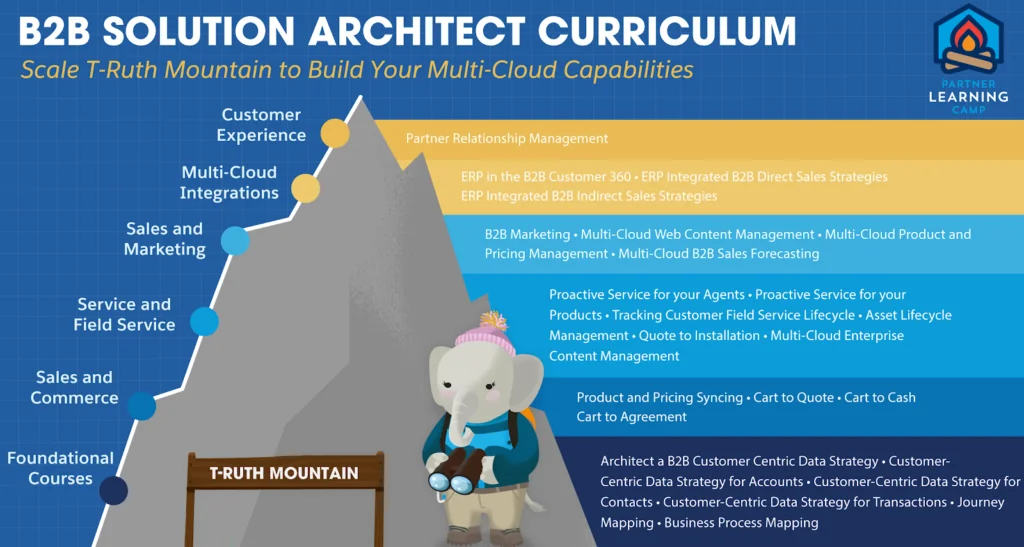
Ruth is a useful shorthand for architecture work: security model decisions, data model boundaries, integration patterns, lifecycle management, and scale. In project workshops, the Ruth reference can help separate design decisions from configuration tasks. A user story about adding a field is admin work; a decision about cross-cloud identity, OWD strategy, or event-driven integration belongs in architecture review.
Use the related Salesforce architect roles guide when mapping responsibilities across Solution Architect, Technical Architect, and Enterprise Architect paths.
How to use Salesforce characters safely in content and apps
Salesforce characters are Salesforce brand assets. Salesforce’s media collection says the characters can be used for news reporting, product reviews, and opinions about Salesforce and its products, while other commercial use is subject to branding guidance. Salesforce partner branding guidance also states that partners should not use Salesforce character artwork, character names, or character swag in partner branding.
That means an implementation team should make a clear distinction between referencing a character in written training and using character artwork in a customer-facing asset. Written references are often enough for internal learning paths. Artwork use needs approval or an official permitted use case.
Review the official Salesforce Characters media collection and Salesforce Partner Branding Guidelines before you publish external material.

Safe LWC alternative: use SLDS icons instead of character artwork
If you are building a Lightning page, use approved UI components instead of uploading mascot images as Static Resources. The lightning-icon component reference documents how to use SLDS icons in LWC. The example below creates a Trailhead help card without storing any Salesforce mascot artwork in the org.
<!-- learningHelpCard.html -->
<template>
    <lightning-card title='Trailhead learning resources' icon-name='standard:knowledge'>
        <div class='slds-p-around_medium'>
            <p>Pick the learning path that matches your role.</p>
            <lightning-button label='Open Trailhead' icon-name='utility:new_window' onclick={openTrailhead}></lightning-button>
        </div>
    </lightning-card>
</template>
// learningHelpCard.js
import { LightningElement } from 'lwc';
import { NavigationMixin } from 'lightning/navigation';
export default class LearningHelpCard extends NavigationMixin(LightningElement) {
openTrailhead() {
this[NavigationMixin.Navigate]({
type: 'standard__webPage',
attributes: { url: 'https://trailhead.salesforce.com/' }
});
}
}<!-- learningHelpCard.js-meta.xml -->
<?xml version="1.0" encoding="UTF-8" ?>
<LightningComponentBundle xmlns="http://soap.sforce.com/2006/04/metadata">
<apiVersion>67.0</apiVersion>
<isExposed>true</isExposed>
<targets>
<target>lightning__AppPage</target>
<target>lightning__HomePage</target>
<target>lightning__RecordPage</target>
</targets>
</LightningComponentBundle>The component uses LWC API version 67.0, which aligns with Salesforce Summer ’26 release documentation for LWC versioned changes. It makes no Apex, SOQL, SOSL, or DML call, so Apex governor limits are not involved. If you later add Apex to personalize the learning links, bulkify queries, enforce CRUD and FLS, and test user-mode behavior for the API version you use.
See the related Salesforce Developer Edition setup guide when you need a safe org for testing LWC examples.

Best practices for Salesforce mascots in enablement
Salesforce mascots work best when they reduce confusion. They work poorly when they become decoration. A release note, training plan, or onboarding page should still name the product, object, automation type, permission, or API involved.
- Start with the role. Say Admin path or Developer path first, then use the character as a supporting cue.
- Keep instructions precise. Review record-triggered Flow entry criteria helps more than a mascot image with no task.
- Do not imply endorsement. External marketing should not look like Salesforce sponsored your company or product unless that relationship is approved.
- Use official links. Point learners to Salesforce Trailhead or official documentation rather than copied images or unofficial downloads.
- Check accessibility. If an image is informative, write alt text that explains the purpose. If it is decorative, keep the surrounding text clear.
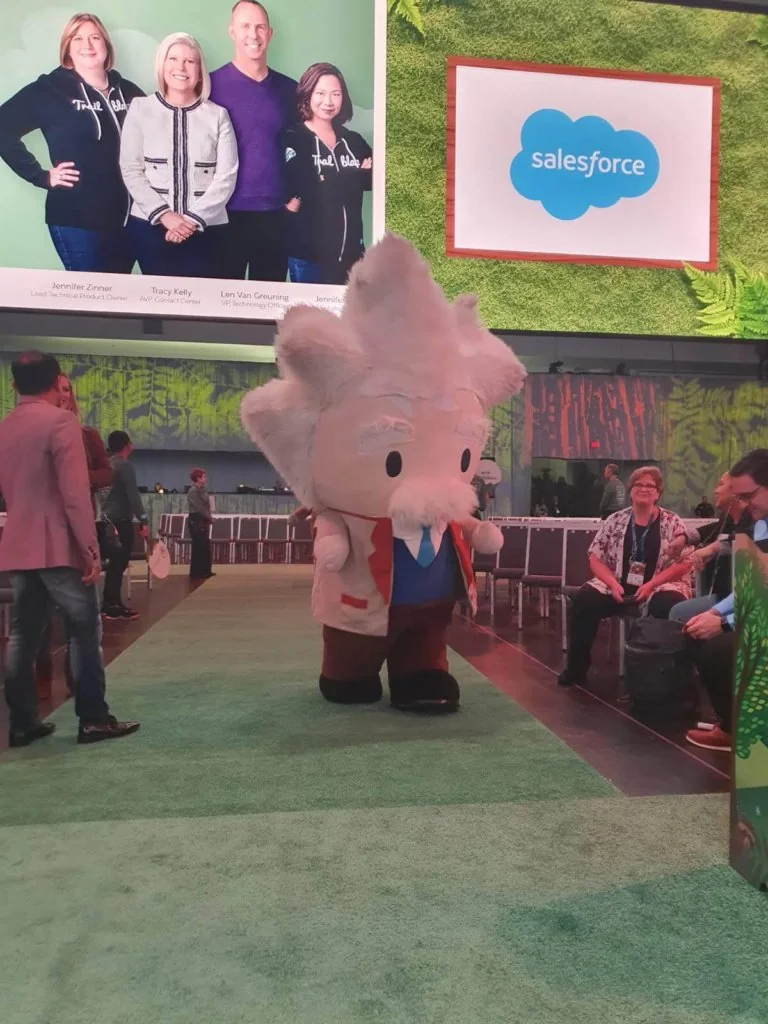
Used well, Salesforce characters and Salesforce mascots make a learning plan easier to scan. Salesforce characters should support product names, not replace them.
Common mistakes with Salesforce characters
| Mistake | Why it causes problems | Better approach |
|---|---|---|
| Downloading mascot art from image search | The file may be outdated, altered, or not licensed for your use. | Use official Salesforce resources and follow brand guidance. |
| Using character art inside a managed package | It can create trademark and customer-confusion issues. | Use SLDS icons or your own approved product artwork. |
| Replacing technical labels with character names | Users may not know whether Flo path means Flow, approval process, or automation design. | Use both product name and character reference. |
| Assuming every character maps to a Salesforce product license | Characters often represent communities, values, or learning themes, not SKU boundaries. | Confirm product and license details in official Salesforce documentation. |
Frequently Asked Questions
What are Salesforce characters?
Salesforce characters are named brand characters used across Trailhead, events, community programs, and product learning. They help users associate a role or theme with a guide, such as Astro for getting started, Codey for developers, Cloudy for admins, Ruth for architects, and Einstein for AI learning.
Are Salesforce characters the same as Salesforce mascots?
In everyday use, the terms overlap. Salesforce mascots usually refers to the visual character set, while Salesforce characters is the broader naming used by Salesforce for the cast and their roles. In content planning, use the official character name and describe the product or role it represents.
Can I use Salesforce mascots in my app or website?
Do not assume you can use Salesforce mascots in an app, website, managed package, event booth, or marketing asset. Salesforce says commercial use is subject to branding guidelines, and partner guidance restricts use of character artwork and names in partner branding. Use official resources or get approval before publishing.
Which Salesforce character represents developers?
Codey the Bear is the Salesforce character most closely associated with Salesforce Developers. Developer teams usually connect Codey with Apex, Lightning Web Components, APIs, DevOps, and platform tooling content.
Which Salesforce character represents admins?
Cloudy the Goat is associated with Salesforce Admins. Admin training often uses Cloudy-oriented context for setup, configuration, user support, permissions, reports, and declarative automation foundations.
Which Salesforce character represents Flow?
Flo the Flying Squirrel represents Salesforce Flow and automation. Use Flo references when the learning path covers record-triggered flows, screen flows, decision logic, fault handling, and admin-developer automation collaboration.
Official references