What is Tableau? Tableau is a data visualization platform that transforms raw data into interactive dashboards and reports. For Salesforce professionals, Tableau provides advanced analytics capabilities beyond standard Salesforce reporting, enabling complex data analysis across multiple systems and data sources.
This guide covers Tableau’s core functionality, product offerings, and integration with Salesforce to help administrators and developers understand when and how to implement Tableau solutions.
What Is Tableau: Core Platform Overview
Tableau operates as a self-service business intelligence tool that connects to various data sources including Salesforce, databases, cloud services, and flat files. The platform uses a drag-and-drop interface to create visualizations without requiring SQL or programming knowledge.
Key capabilities include:
- Data Connection: Native connectors for 100+ data sources including Salesforce CRM, Service Cloud, and Marketing Cloud
- Visual Analytics: Interactive charts, graphs, maps, and custom visualizations
- Dashboard Creation: Multi-sheet dashboards with filtering and drill-down capabilities
- Collaboration: Sharing and publishing across teams with role-based permissions
Tableau differs from Salesforce’s native reporting by offering advanced statistical functions, predictive modeling, and cross-platform data blending capabilities.
Tableau Salesforce Integration Architecture
Tableau salesforce integration occurs through multiple connection methods depending on your Salesforce edition and data requirements:
Direct Salesforce Connector
Tableau’s native Salesforce connector uses the Salesforce REST API to extract data directly from your org. This connection supports:
- Standard and custom objects
- Real-time and extract-based connections
- Salesforce security model enforcement (OWD, sharing rules, field-level security)
- Single sign-on (SSO) authentication
Salesforce Reports API
For organizations with existing Salesforce reports, Tableau can connect through the Reports API to leverage pre-built report logic and filters.
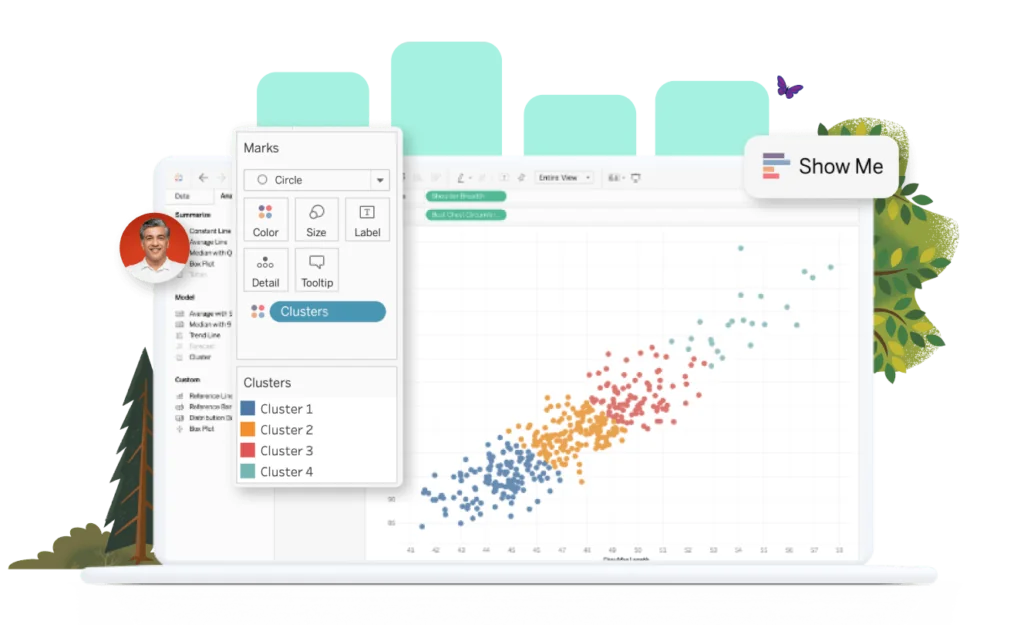
Data Cloud Integration
Tableau integrates with Salesforce Data Cloud (formerly Customer Data Platform) to access unified customer profiles and external data sources through a single connection point.
Tableau Product Portfolio
Tableau Desktop
Tableau Desktop is the primary authoring environment for creating visualizations and dashboards. Desktop connects to data sources, builds analyses, and publishes content to Tableau Server or Tableau Cloud.
Key features:
- Full authoring capabilities with advanced calculations
- Local data processing and caching
- Offline development environment
- Integration with version control systems
Tableau Cloud
Tableau Cloud provides a fully managed SaaS platform for hosting and sharing Tableau content. Cloud eliminates server maintenance while providing enterprise-grade security and governance.
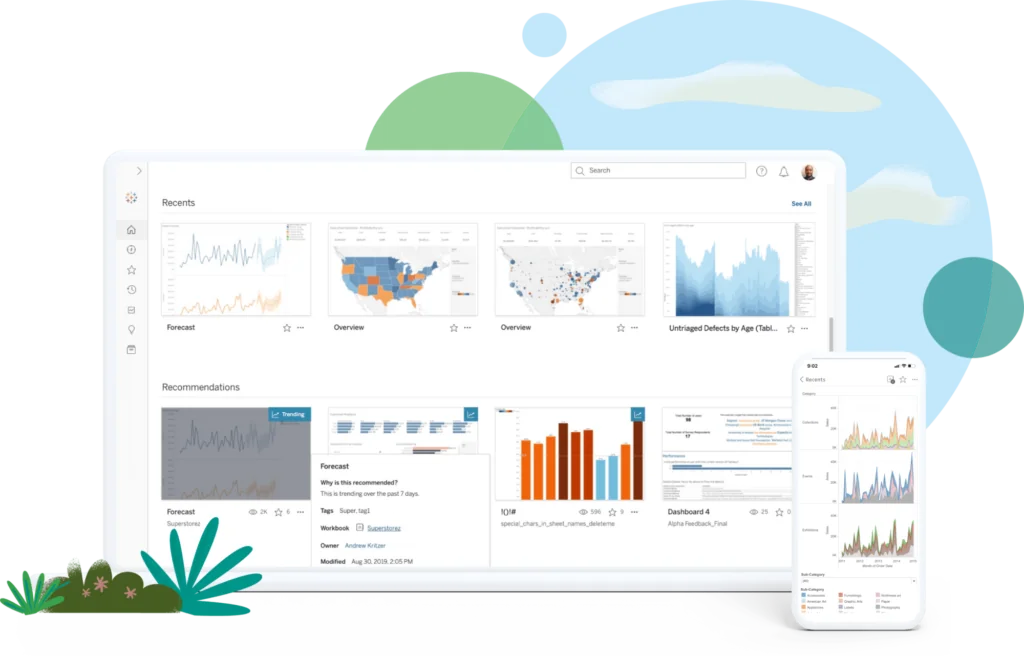
Cloud benefits include:
- Automatic updates and maintenance
- Global accessibility with mobile optimization
- Built-in data governance and lineage tracking
- Integration with Salesforce Einstein Analytics
Tableau Prep Builder
Tableau Prep Builder handles data preparation tasks including cleaning, shaping, and combining data from multiple sources before analysis.
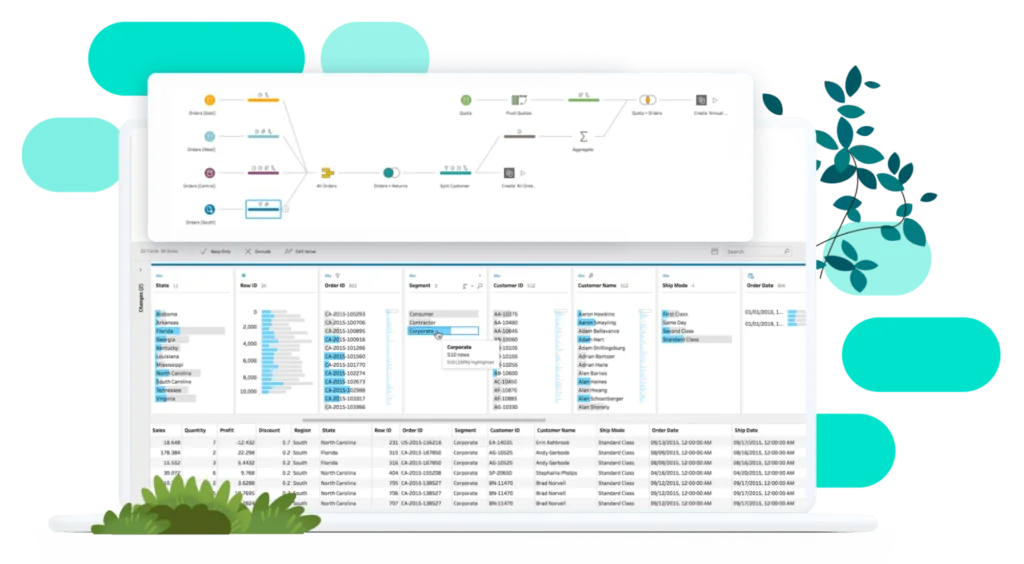
Prep Builder capabilities:
- Visual data profiling and quality assessment
- Automated data cleaning suggestions
- Join and union operations across data sources
- Incremental refresh for large datasets
Tableau Public
Tableau Public offers free access to Tableau’s visualization capabilities with public data sharing requirements. All published content becomes publicly accessible.
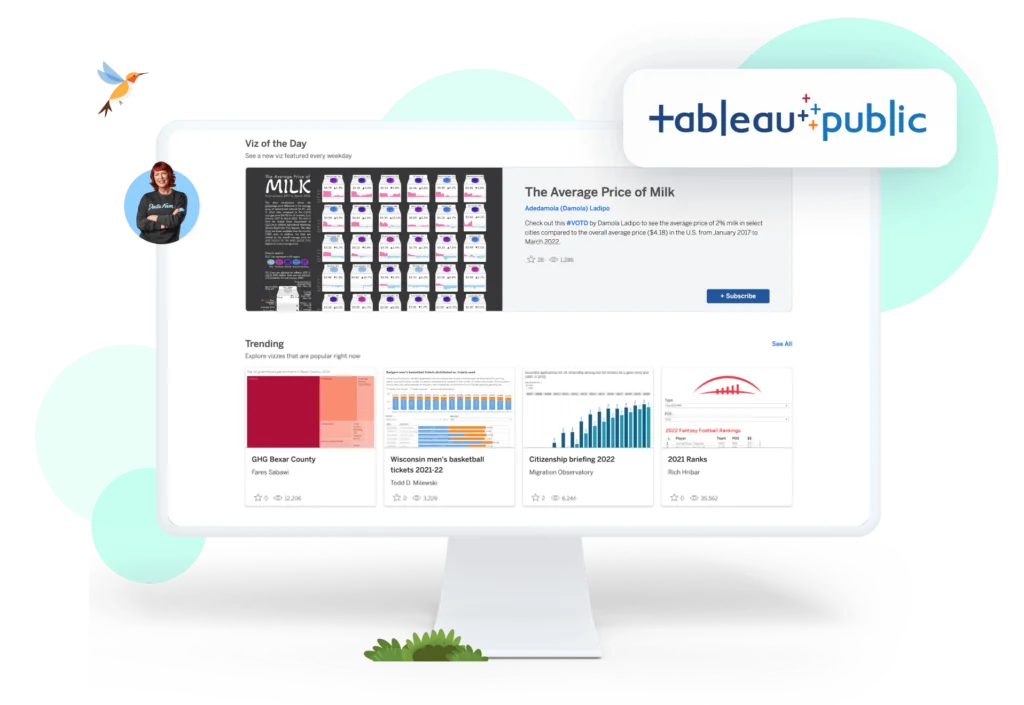
Public limitations:
- No private data connections
- 10GB storage limit per user
- Public visibility of all published content
- Limited data source connectivity
Salesforce and Tableau: CRM Analytics Integration
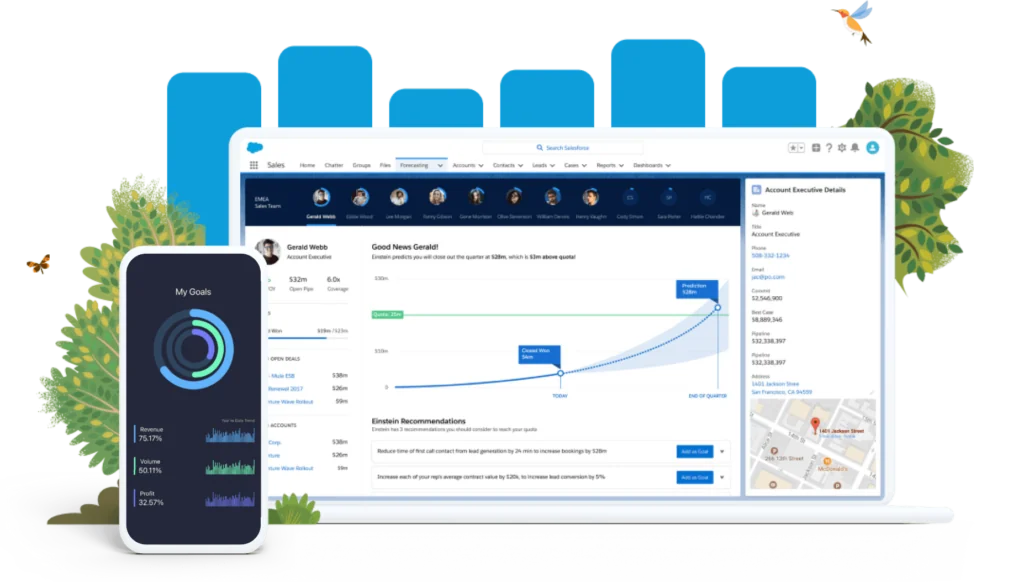
Salesforce and Tableau integration extends beyond data connectivity through CRM Analytics (formerly Tableau CRM and Einstein Analytics). CRM Analytics embeds Tableau-powered analytics directly within Salesforce.
CRM Analytics Features
- Embedded Analytics: Dashboards appear within Salesforce record pages and apps
- Pre-built Templates: Industry-specific analytics apps for sales, service, and marketing
- Einstein Discovery: AI-powered insights and predictions within dashboards
- Mobile Optimization: Native mobile app with offline capabilities
Implementation Considerations
When choosing between Tableau and CRM Analytics:
| Requirement | Tableau | CRM Analytics |
|---|---|---|
| Multi-source data analysis | Excellent | Limited |
| Salesforce embedding | Limited | Native |
| Advanced calculations | Excellent | Good |
| User licensing cost | Higher | Lower |
| Learning curve | Moderate | Lower for SF users |
Common Tableau Use Cases in Salesforce Organizations
Executive Reporting and KPI Dashboards
Tableau creates executive-level dashboards combining Salesforce data with financial, operational, and external market data. These dashboards typically include:
- Revenue forecasting with pipeline analysis
- Customer acquisition cost and lifetime value metrics
- Territory performance comparisons
- Churn prediction and retention analysis
Sales Performance Analytics
Sales teams use Tableau to analyze performance beyond standard Salesforce reports:
- Win/loss analysis with external competitive data
- Activity correlation with deal progression
- Territory optimization using geographic and demographic data
- Quota attainment forecasting
Customer Journey Analysis
Marketing and service teams leverage Tableau for comprehensive customer journey mapping:
- Multi-touch attribution across marketing channels
- Service case escalation pattern analysis
- Customer satisfaction correlation with business outcomes
- Product adoption and usage analytics
Implementation Best Practices
Data Architecture Planning
Before implementing Tableau with Salesforce:
- Assess data volume: Salesforce API limits may require extract-based connections for large datasets
- Define refresh requirements: Real-time vs. scheduled refresh based on business needs
- Plan security model: Ensure Tableau respects Salesforce sharing rules and field-level security
- Consider data residency: Tableau Cloud data storage locations for compliance requirements
Performance Optimization
- Use extracts for large datasets: Improve performance by creating Tableau data extracts rather than live connections
- Implement incremental refresh: Update only changed records to reduce processing time
- Optimize Salesforce queries: Use selective filters to reduce data transfer
- Monitor API usage: Track Salesforce API calls to avoid governor limits
Governance and Security
- Establish content governance: Define standards for dashboard design and data sources
- Implement row-level security: Ensure users see only appropriate data
- Monitor usage and adoption: Track dashboard usage to optimize licensing costs
- Maintain data lineage: Document data sources and transformation logic
Frequently Asked Questions
What is Tableau and how does it differ from Salesforce reports?
Tableau is a data visualization platform that creates interactive dashboards and advanced analytics. Unlike Salesforce reports, Tableau can combine data from multiple sources, perform complex calculations, and create sophisticated visualizations with drill-down capabilities. Salesforce reports are limited to data within your Salesforce org and have fewer visualization options.
Can Tableau connect directly to Salesforce data?
Yes, Tableau includes a native Salesforce connector that uses REST API to access your Salesforce data. The connection respects your Salesforce security model including sharing rules and field-level security. You can create both live connections and data extracts depending on your performance requirements.
What’s the difference between Tableau and CRM Analytics?
Tableau is a standalone analytics platform that connects to multiple data sources, while CRM Analytics is embedded within Salesforce and focuses primarily on Salesforce data. CRM Analytics offers easier implementation for Salesforce users but has limited multi-source capabilities. Tableau provides more advanced analytics features but requires separate licensing and training.
Do I need Tableau Desktop to create dashboards?
Yes, Tableau Desktop is required for creating and authoring dashboards. Tableau Cloud and Tableau Server are used for sharing and viewing dashboards, but the initial creation happens in Desktop. Tableau Public offers free authoring capabilities but requires all content to be publicly accessible.
How does Tableau handle Salesforce API limits?
Tableau uses Salesforce API calls to retrieve data, which count against your org’s daily API limits. For large datasets or frequent refreshes, use Tableau data extracts instead of live connections. Extracts cache data locally and reduce API usage. Monitor your API consumption in Salesforce Setup to avoid hitting limits.
Can Tableau access custom Salesforce objects and fields?
Yes, Tableau can access both standard and custom Salesforce objects and fields through its native connector. The connection respects field-level security and sharing rules, so users only see data they have permission to access in Salesforce. Custom relationships and formula fields are also supported.